


Pesk Melamine Smart Standing Desk
Dual Motors Powered By Bosch
$889.00
$929.00
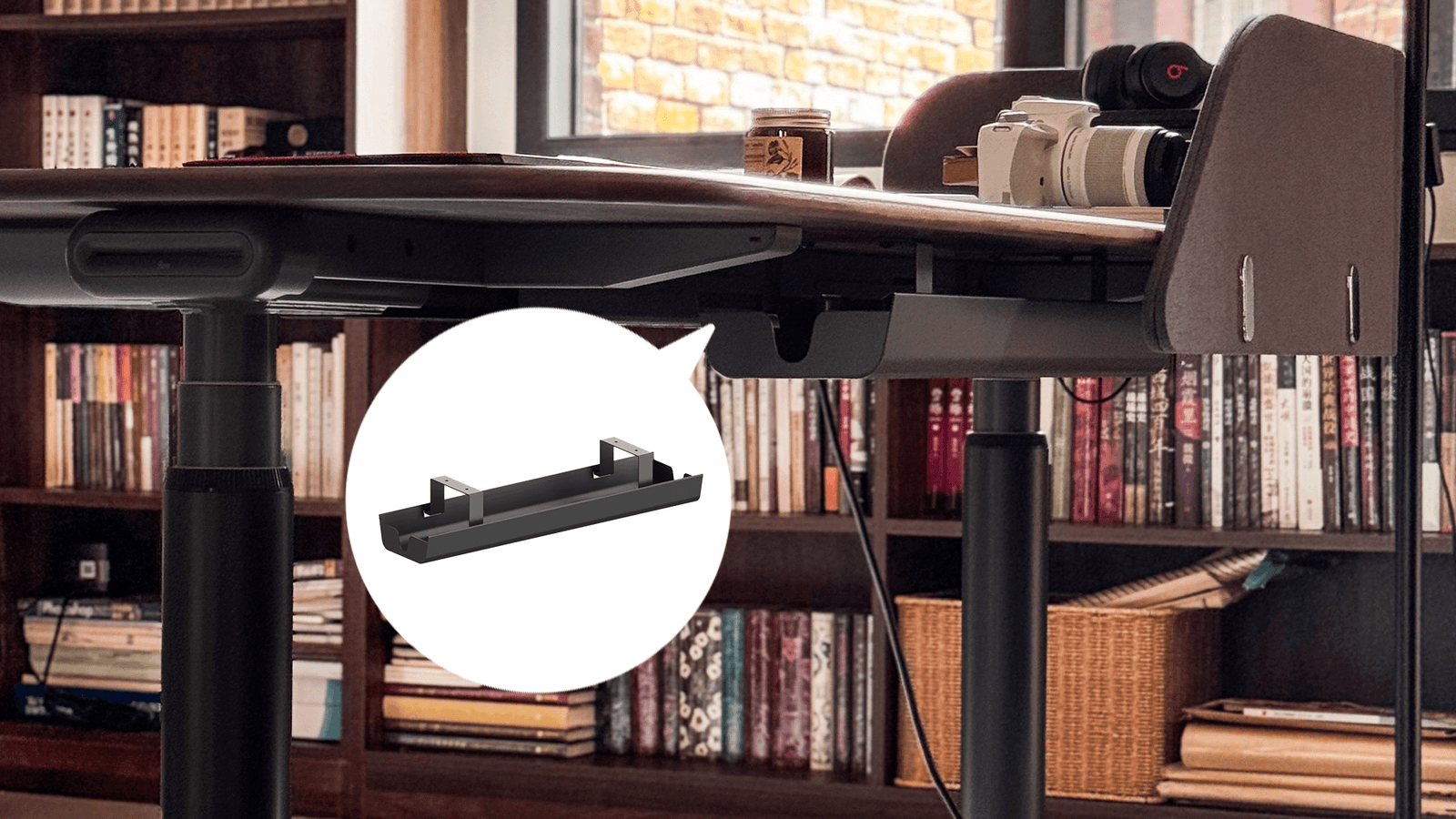
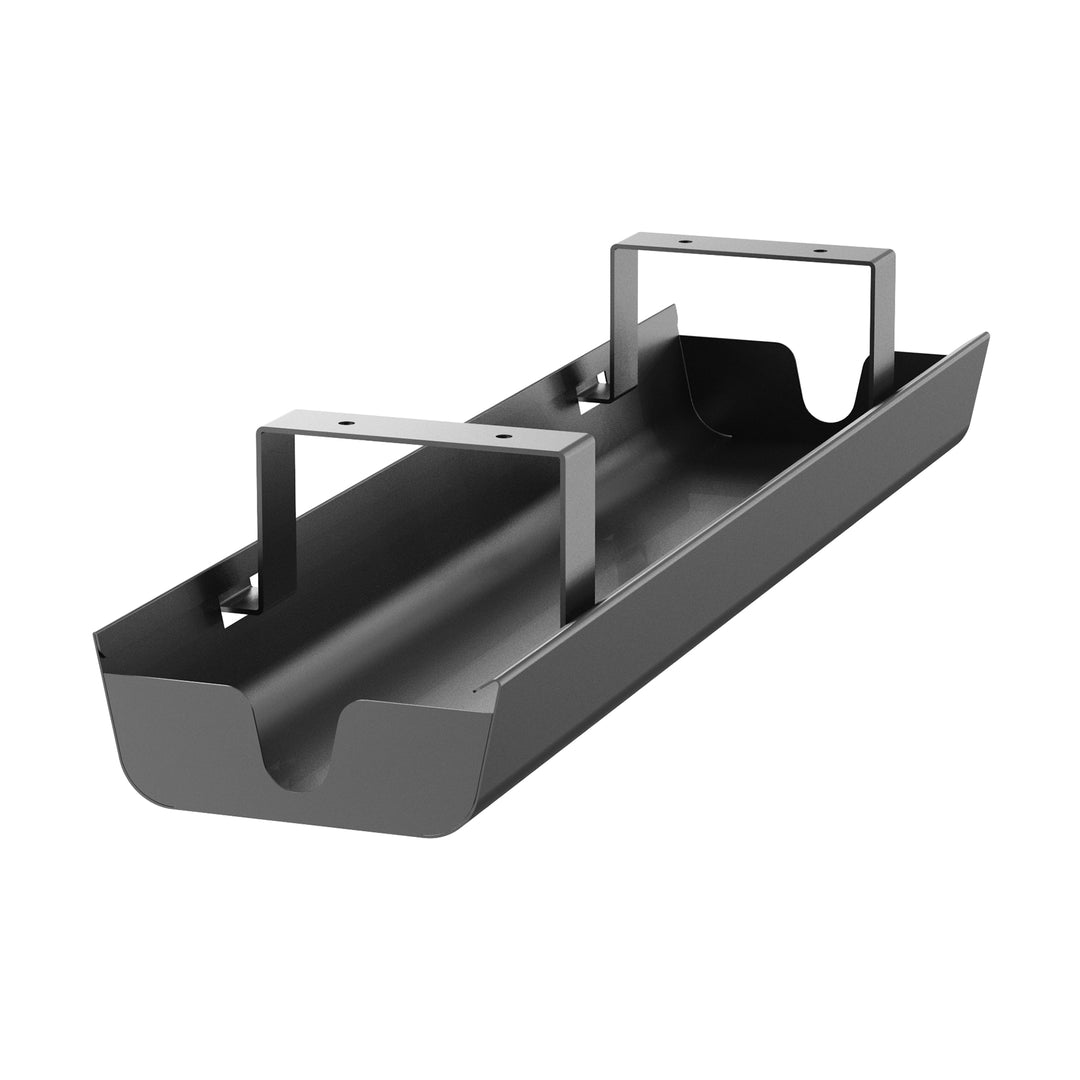
Desk cable management helps you organize cables and power cords in a tidy, visually appealing way, eliminating clutter and improving efficiency. This cable management is crafted from high-quality materials — Cold-Rolled Carbon Steel (SPCC), and offers durability and safety. The sturdy design supports multiple cables, ensuring long-lasting performance and resistance to wear and tear, even in high-use environments. Whether you're managing charging cables, HDMI cords, or power strips, this innovative cable management elegantly organizes your workspace, seamlessly blending practicality with stylish design.
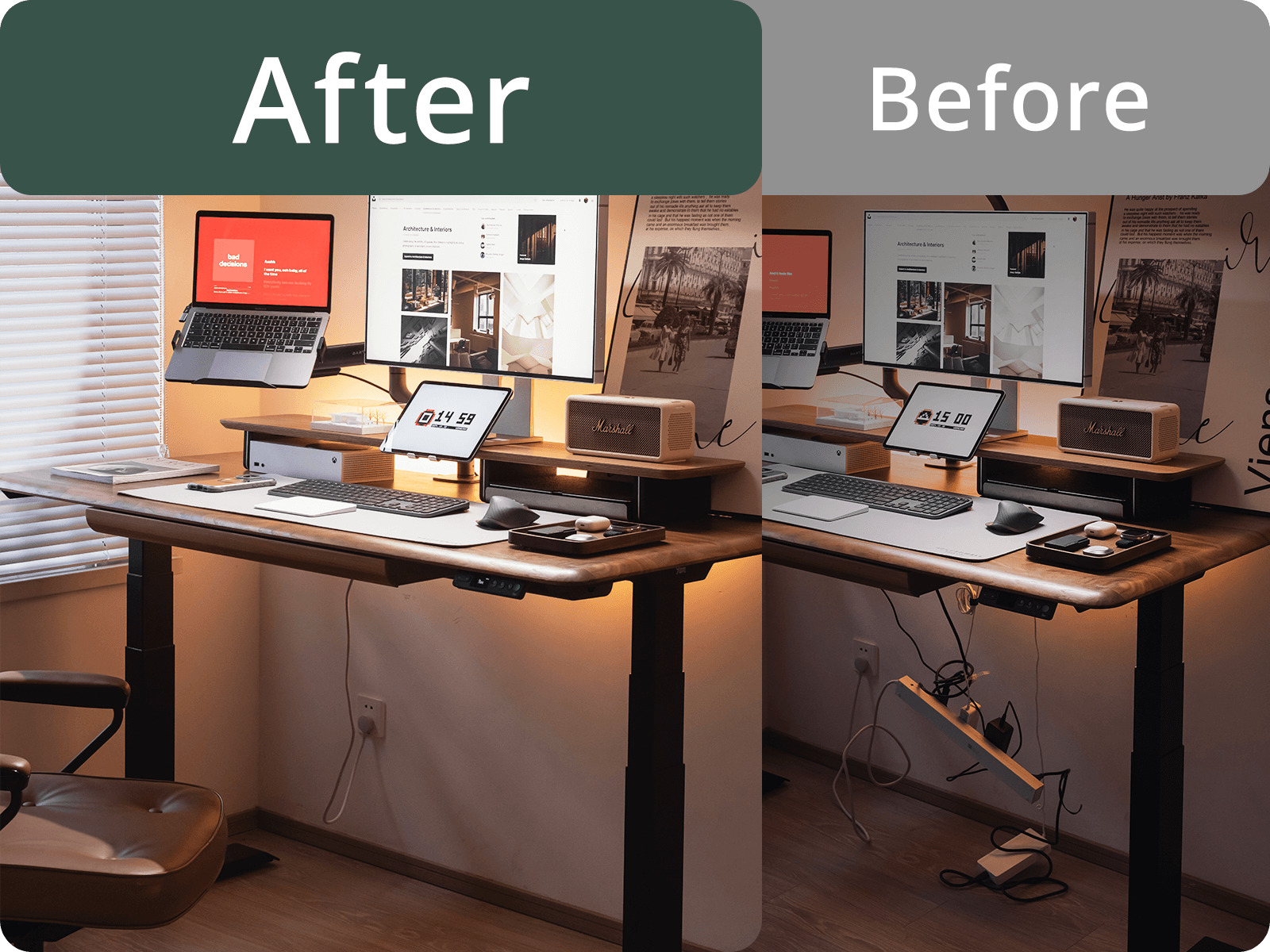
Before - Tangles and unsightly cables scattered across your desk can distract you from your work.
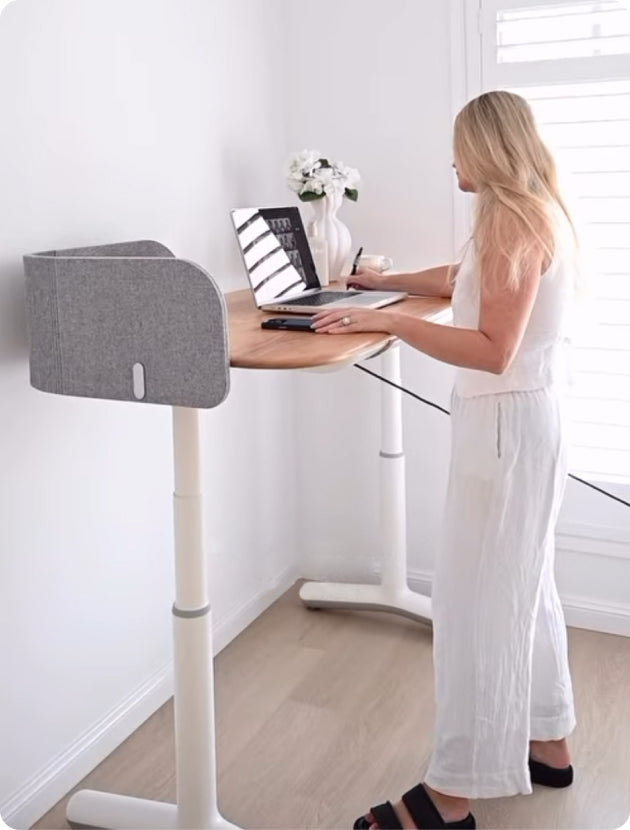
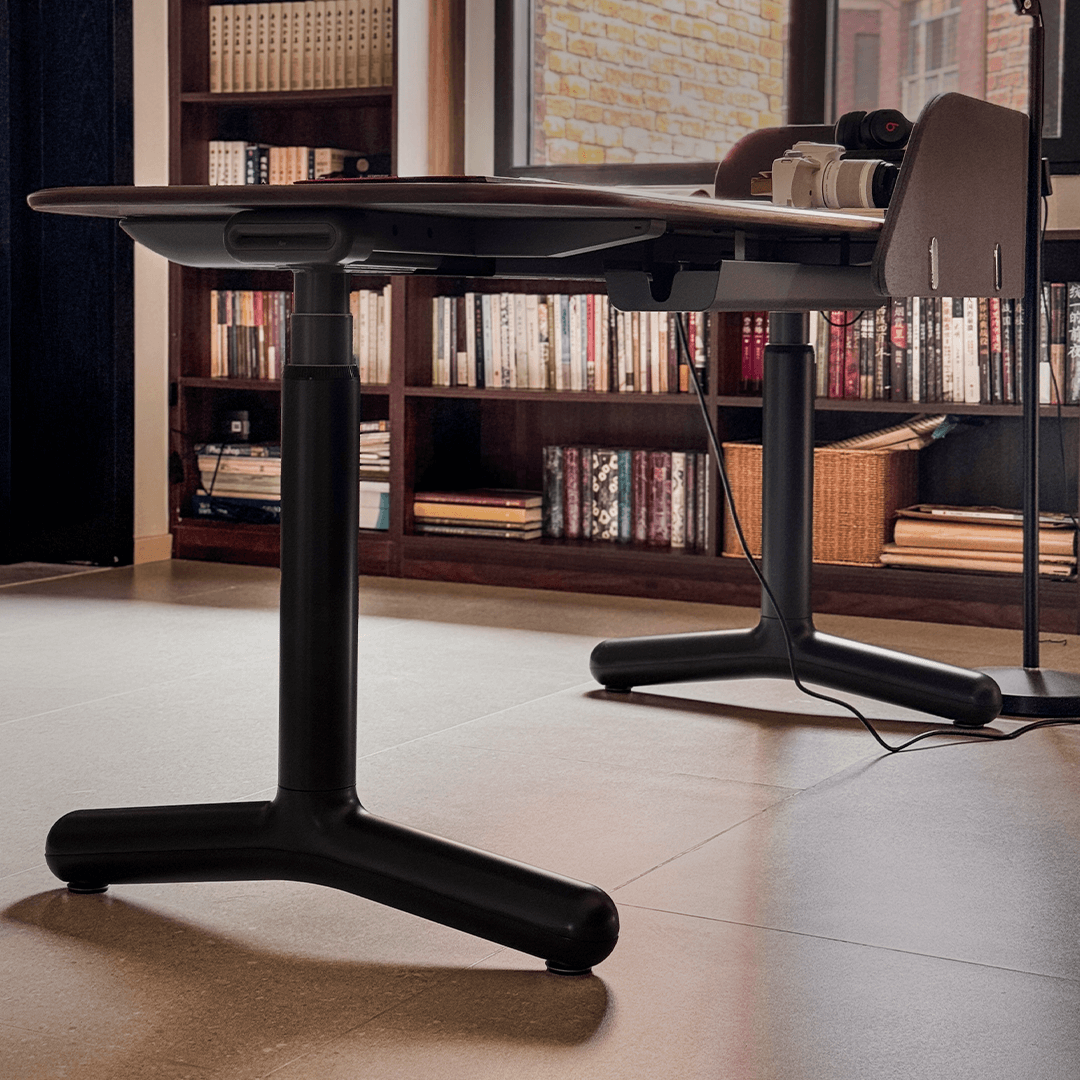
After - Our cable management neatly hides cables and reduces clutter, giving you a clean, streamlined workspace. It not only creates a minimalistic aesthetic but also improves the efficiency of finishing cables by allowing easy access to all your cables without the usual mess.
Installation Steps
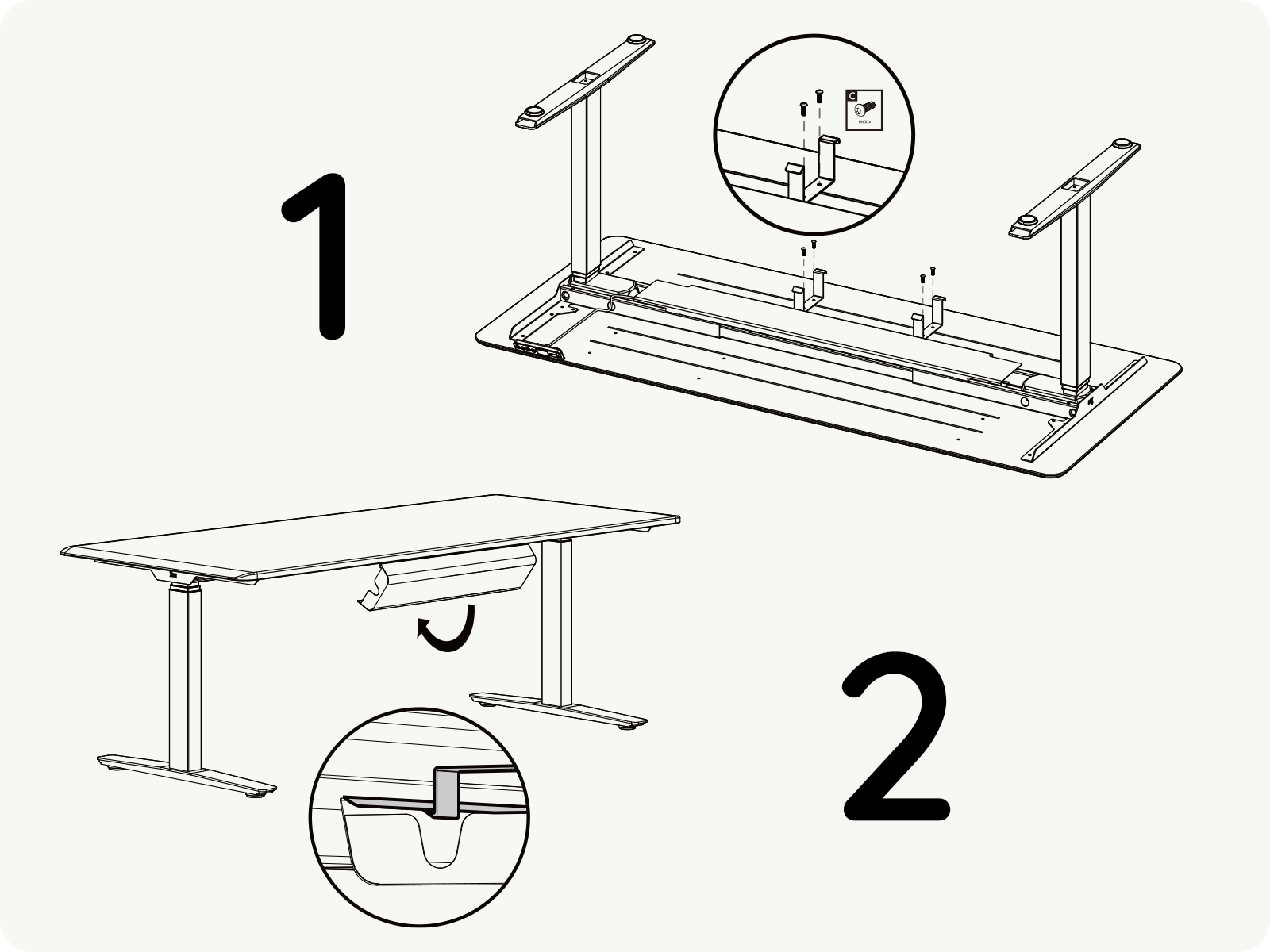
Install your desk cable management with ease — use a screwdriver or power drill to secure the screws into the desk panel. Once the cable management is in place, securely hang your cables, and your workspace will be transformed quickly.
Installation Steps:
1. Choose the right screws for your desktop.
2. Measure the mounting locations, then firmly attach the mounting hooks using the screws.
3. Hang the cable management in the direction indicated by the diagram.
All orders are shipped from warehouse in New South Wales
Hassle-free returns within 30 days to ensure your complete satisfaction
Built to last, backed with long-term protection
It depends on the desk series you purchase:
Yes, simple installation is required. The tray mounts securely underneath the desktop using the included mounting screws and pre-drilled holes or guided placement points. All necessary screws and instructions are provided.
Our cable trays are crafted from heavy-duty, powder-coated cold-rolled steel.
Yes. The tray is specifically designed with extra depth and width to accommodate standard multi-outlet power strips, oversized laptop chargers, and bulk cable slack, keeping the space under your desk completely clean and clutter-free.
Anunder desk cable management tray can hold a power board, laptop chargers, power adaptors and excess monitor or charging cables. The 9amHomecable tray measures 60 × 15 × 6 cm, giving you space to keep common desk connections together underneath the desktop.
Keeping these items in one place also makes it easier to identify, replace or troubleshoot cables when your workstation setup changes.
Start by placing your power board and excess cable inside theunder desk cable management tray, then route device cables neatly along the underside of the desktop. Ideally, only the cables that need to reach the floor should hang below the desk.
Before finishing yourcable management, raise the desk to its highest working position and check that every cable still has enough slack to move safely.
No. The under-desk cable management tray is designed with pre-drilled mounting holes in the desktop, so you do not need to find the installation position yourself.
Simply align the tray with the reserved holes and secure it using the included mounting hardware. This makes installation easier while keeping cables organised and your workspace cleaner.
No. The cable tray is installed towards the rear of the desk, keeping it away from your sitting area and leaving enough space for comfortable leg movement.
The pre-drilled mounting holes ensure the tray is positioned correctly during installation, providing effective under-desk cable management without affecting everyday use.
They serve different purposes. A cable tray is better for holding bulkier items such as a power board, power adaptors, and excess cable, while a cable wire manager or cable clips are better for guiding individual cables along a specific route.
For a workstation with several devices, combining both types of cable management usually gives you a cleaner and more flexible setup than relying on clips alone.