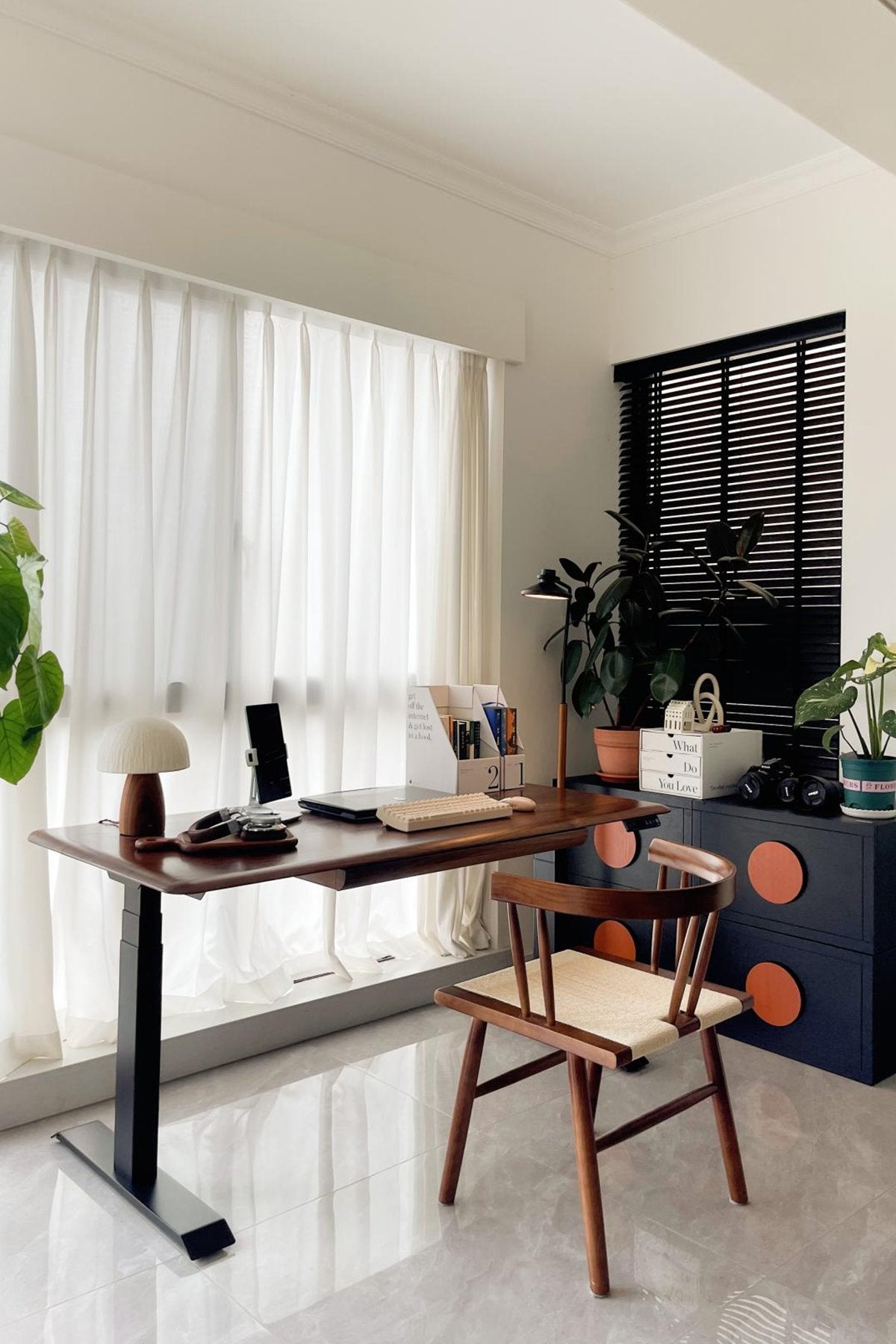
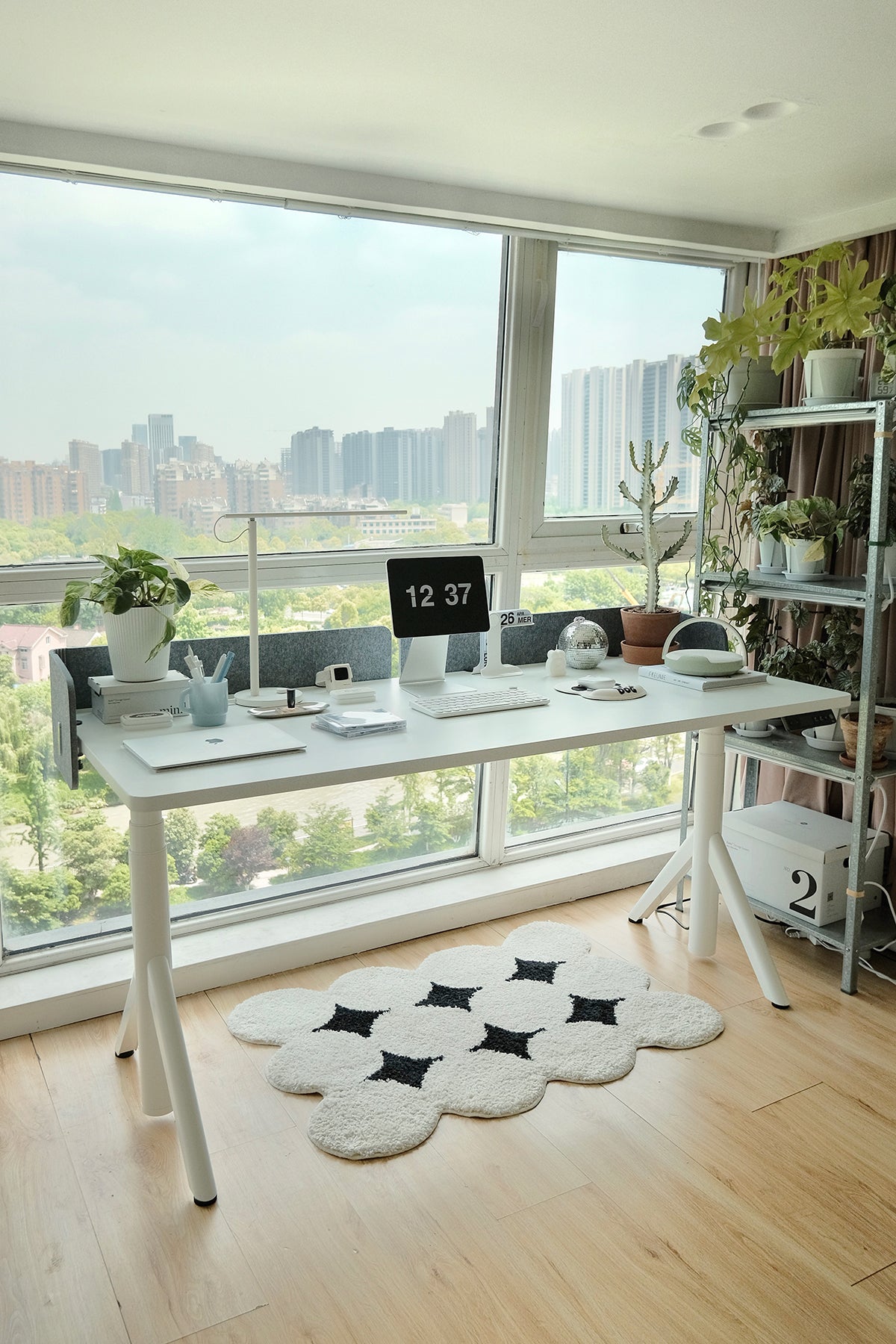
Choosing the right desk for small spaces is not just about finding the smallest desk that fits against a wall. A desk that is too narrow may save floor space, but it can also make daily work feel cramped, messy, and uncomfortable. The right desk for small spaces should match your room type, work habits, storage needs, and ergonomic setup.
With 36% of employed Australians usually working from home in August 2025, people comparing desks for small spaces in Australia now need more than a surface for quick laptop sessions. This guide compares desk types for bedrooms, apartments, study nooks, and small home offices, helping you choose a setup that saves space without sacrificing comfort.
What to Know Before Buying a Desk for a Small Space
Small spaces need smarter planning, especially as hybrid work becomes a normal part of Australian home life. Before choosing a desk for a small space, measure the available floor area, check how much space your chair needs, and think about whether it will be used for occasional tasks or several workdays each week.
A compact writing desk may be enough for light study or laptop work. But if you use a monitor, keyboard, mouse, lamp, notebook, or docking station, you need more surface area than you may expect. WorkSafe Queensland also recommends setting up the monitor at around arm’s length and keeping the keyboard and mouse directly in front of you, which means depth and layout matter as much as width.
A Small Desk Is Not Always the Right Desk
A small desk for a small space still needs enough room for your screen, keyboard, mouse, and daily accessories to sit naturally.
A very small desk can look neat at first, but it may not support real daily use. If your everyday desk items and charger all compete for the same surface, your workspace can quickly feel crowded. This can lead to awkward reaching, poor posture, and constant clutter.
For long work sessions, choose a desk that gives your screen, hands, and accessories enough room to sit naturally. WorkSafe Queensland advises setting up the workstation so frequently used equipment can be reached without leaning forward or stretching. A desktop that is too shallow or narrow can make this difficult and reduce overall comfort.
Optimal Desk Dimensions for Small Spaces
The best size depends on how you work. These dimensions are practical starting points for small rooms, apartments, and compact home offices.
|
Use Case
|
Suggested Width
|
Suggested Depth
|
Best For
|
|
Light laptop work
|
90–110 cm
|
55–65 cm
|
Bedrooms, rental units, share house rooms
|
|
Laptop plus single monitor
|
110–120 cm
|
60–70 cm
|
Small home offices, apartment workstations
|
|
Dual screens or long daily work
|
120–140 cm
|
65–75 cm
|
Remote work, study rooms, compact professional setups
|
For chair movement, leave around 100–120 cm behind the chair when possible. This helps you sit down, move back, and stand up without the space feeling blocked. In very tight rooms, use a slim chair, avoid bulky drawers under the desk, and keep the walkway clear.
Depth also deserves attention. A shallow desk may fit the wall better, but it can force the screen too close to your eyes. WorkSafe Queensland recommends placing the monitor about an arm’s length away, with the top of the screen around eye level. If you use a monitor every day, a desk depth of at least 60–70 cm usually feels more comfortable than an ultra-shallow surface.
For a more detailed breakdown of width, depth, and height, 9amHome’s Desk Measurements Guide explains how different desktop sizes affect daily comfort, equipment placement, and room layout in compact home office spaces.
Key Factors to Consider Before Choosing a Desk for a Small Space
A good small space desk should make the room easier to use, not harder. Before choosing a model, look at your room layout, work style, equipment, and whether you need flexibility for future changes.
Desk Size and Room Layout
Start with the real floor area, not just the wall width. Measure the space where the desk will sit, then check nearby doors, windows, wardrobes, power outlets, and walking paths. A desk may fit on paper but still feel awkward if it blocks a drawer or leaves no room for the chair.
In a bedroom, a 90–110 cm desk may be enough for light work. In a small home office, 110–120 cm is often more useful because it can support a laptop plus monitor. If your room allows it, a 120–140 cm desk gives more flexibility while still staying compact.
Work Style and Daily Use
Think about how long you sit at the desk each day. A student who studies for one hour may need a different setup from a remote worker who spends eight hours at a screen. Occasional use can work with a simple writing desk, while daily work usually needs better ergonomics, more stability, and enough space for accessories.
If your desk is part of your living room or bedroom, visual clutter also matters. A slim frame, clean desktop, and hidden cables can help the workspace blend into the room instead of making the area feel like a crowded office corner.
Equipment and Future Setup Needs
Your current setup may be simple, but your future setup may not stay that way. If you may add a monitor, laptop stand, desk lamp, microphone, docking station, or external keyboard later, choose a desk with enough width and depth to grow with your needs.For monitor users, depth is especially important. WorkSafe Queensland A desk that is too shallow can make that harder, especially if you also use a separate keyboard.
Depth matters most when using a monitor with a separate keyboard. A deeper desktop gives you more flexibility to position the screen comfortably while still leaving enough room for typing, writing, and everyday accessories. This is especially useful in a small workspace where every centimetre needs to serve a purpose.
Stability, Adjustability, and Long-Term Flexibility
Small desks should still feel stable. Wobbling becomes more noticeable when you type, write, adjust a monitor arm, or raise and lower a sit-stand desk. For long-term work, a stable frame and smooth height adjustment can make the desk feel more comfortable and reliable.
An adjustable standing desk can also help small spaces do more with one surface. Instead of needing separate zones for sitting, standing, reading, and laptop work, one height-adjustable desk can adapt to different tasks. Comcare recommends adjustable workstation equipment and notes that workers should be able to adjust the desk to suit their physical requirements.
Best Desks for Small Spaces
The best small desks for small spaces depend on how often you use them and what you need them to hold. Some small spaces need a simple surface for light work, while others need a full workstation that can support daily remote work.
Compact Writing Desks for Light Work and Study
Compact writing desks are a simple choice for bedrooms, student rooms, and small study corners. They usually have a narrow frame and a clean desktop, making them easy to place against a wall or near a window.
This type of desk works best for laptop use, reading, journaling, and light admin tasks. It is less suitable if you use a large monitor, multiple devices, or work long hours every day. If you choose this style, avoid desks that are too shallow, because you still need space for your arms, keyboard, notebook, and basic accessories.
Foldable Desks for Small Spaces and Wall Mounted Setups
Foldable desks and wall-mounted desks can work well when the desk is only used occasionally. A foldable desk for small spaces is especially useful in rental apartments, guest rooms, or shared areas where the work surface needs to disappear after use. They are useful for rental apartments, guest rooms, or shared spaces where the work area needs to disappear after use.
The tradeoff is stability and comfort. A foldable desk may not feel as steady as a full-frame desk, and it may not offer enough depth for a monitor-based setup. For short laptop sessions, a folding desk for small spaces can be practical. For full-time work, it can start to feel limiting.
Compact Standing Desks for Small Home Offices
A compact standing desk is often a better fit for people in Australia who work from home regularly without a dedicated office. AHRI’s 2025 research suggests that hybrid work has become a steady part of Australian workplace life, which makes compact home workstations more relevant for bedrooms, apartments, and small home offices.
The 9amHome ATOM Mini Adjustable Standing Desk is a strong fit for this use case. The 1100 × 650mm version is compact enough for smaller rooms, while still giving space for a laptop, keyboard, mouse, or single monitor. The product page lists a 65–130 cm height range, 38mm/s travel speed, 125kg weight capacity, dual motor system, and under 40dB motion noise, making it more suitable for daily work than a basic small table.
For users comparing different standing desks, the main benefit is flexibility. A sit-stand desk allows you to change posture during the day instead of staying in one position for hours. WorkSafe Queensland also recommends changing posture throughout the day, because staying in the same position for too long can lead to discomfort and fatigue. For readers who are new to sit-stand setups, 9amHome’s Sitting Desk to Standing Desk guide explains how to choose between a converter and a full standing desk, and why a full desk is often better for long-term daily use.
Small Space Desk Setup Tips
Once you choose the desk, the setup around it matters just as much. A small space can feel larger when the desktop is clear, cables are hidden, and the desk is placed where it supports your daily routine.
Use Vertical Storage to Keep the Desktop Clear
In a small room, the desktop should stay as clear as possible. Use wall shelves, pegboards, monitor stands, or slim drawer units to move items upward instead of spreading everything across the desk.
A monitor riser stand can raise the screen while creating extra space underneath for a keyboard, notebook, or small accessories. For an even cleaner setup, a single monitor arm lifts the screen off the desktop and makes it easier to adjust its height, angle, and viewing distance.
Keep only daily essentials on the surface, such as your laptop, keyboard, mouse, notebook, and a small lamp. Store chargers, paper, headphones, and spare accessories in a drawer, wall shelf, or storage box nearby. This makes the desk easier to clean and helps the room feel less crowded.
Keep Cables Organized Under the Desk
Loose cables can make a small workspace feel messy even when the desktop is clean. Power leads, monitor cables, laptop chargers, and extension leads can also get in the way when you move your chair.
A simple cable tray keeps wires off the floor and out of sight. The 9amHome Under Desk Cable Management Tray Wire Organiser is designed to organise cables and power leads under the desk, with a 60 × 15 × 6 cm size and black or white colour options. It is especially useful for small desk setups where every visible detail affects how tidy the room feels.
Place the Desk Near Natural Light When Possible
Natural light can make a small room feel more open and comfortable. If possible, place the desk near a window, but avoid direct glare on the screen. Position the monitor at an angle that reduces reflections, and use curtains or blinds if sunlight becomes too strong during the day.
If natural light is limited, use a small desk lamp with adjustable brightness. A focused task light is better than relying only on ceiling lighting, especially in bedrooms or shared apartments.
Choose Light Colors or Slim Frames for Smaller Rooms
Visual weight matters in compact rooms. A dark, bulky desk can make the area feel smaller, while a lighter color or slim frame can help the desk blend into the room.
White, light wood, soft grey, and rounded edges often work well in small home offices. If you want the desk to feel less dominant, choose a clean frame and avoid oversized storage units attached to the desktop. The 9amHome ATOM Mini Adjustable Standing Desk fits this kind of setup well, with a compact 1100 × 650mm desktop and a clean frame that suits bedrooms, apartments, and small home offices without making the room feel full.
Conclusion
The best desks for small spaces balance size, comfort, and long-term usability. A tiny desk may save floor space, but it may not support your daily work if it lacks depth, stability, or room for your equipment. Before buying, measure your room, check chair clearance, think about your monitor distance, and choose a desk that fits how you actually work.
For light laptop use, a compact writing desk may be enough. For occasional work, a foldable desk can be practical. For daily home office use, a compact standing desk is often the most flexible choice because it supports sitting, standing, and changing tasks in the same small footprint.
For bedrooms, apartments, study corners, and small home offices, the 9amHome ATOM Mini Adjustable Standing Desk is a practical home office desk option when you want a compact setup that still feels comfortable for regular workday
FAQ
How can storage be maximized on a small desk?
Use vertical storage, monitor risers, wall shelves, drawer units, and cable trays to keep the main work surface clear. The best approach is to separate daily items from occasional items. Keep your keyboard, mouse, laptop, and notebook on the desk, then move chargers, documents, and spare accessories into nearby storage.
Can small desks be used for gaming setups?
Yes, small desks can work for gaming setups if the equipment is planned carefully. A single monitor, compact keyboard, mouse, headset stand, and cable tray can fit on a small desk. For dual monitors, large speakers, or streaming gear, choose a wider and deeper desk so the setup does not feel cramped.
Are small desks suitable for shared spaces?
Small desks are suitable for shared spaces when they have a clean design and do not block movement. In a living room, bedroom, or rental apartment, choose a slim frame, light color, and tidy cable setup. A desk that looks neat after work hours is easier to live with in a shared area.
How much space should I leave behind a desk chair?
Try to leave about 100–120 cm behind the chair when possible. This gives enough room to sit down, push back, and stand up comfortably. If the room is very tight, use a slimmer chair and avoid placing storage boxes or loose cables behind the seating area.
Do small desks work with dual monitors?
Some small desks can support dual monitors, but width and depth become more important. For dual screens, a 120–140 cm wide desk is usually more practical than a 90–110 cm desk. If space is limited, consider using monitor arms, smaller screens, or a laptop plus one external monitor instead.