



Standing Desk vs Sitting Desk: Which Is Better for You in 2026?
At present, more Australians work from home; this has increased demand for ergonomic office furniture. Numerous users compare a standing desk and a sitting desk in terms of comfort, work output, and long-term body health. This instruction manual outlines the core distinctions, advantages, and emerging trends to help you select the appropriate desk for your workspace.
What Is a Standing Desk?
A standing desk allows users to work while standing instead of sitting all day. Most modern standing desks use adjustable height systems, which let users switch between sitting and standing throughout the workday.
Key Features of a Standing Desk
-
Adjustable height settings
-
Electric or manual lifting systems
-
Ergonomic workspace support
-
Cable management options
-
Compatibility with dual monitors and office accessories
Pros and Cons of Standing Desks
Pros
-
Supports posture changes during work
-
Helps reduce long periods of sitting
-
May improve energy and focus
-
Encourages movement throughout the day
-
Fits modern home office setups
Cons
-
Higher upfront cost
-
Some users need time to adjust
-
Budget models may wobble at full height
What Is a Sitting Desk?
A sitting desk is a traditional office desk designed for seated work. It uses a fixed-height structure and works well for standard office setups.
Key Features of a Sitting Desk
-
Fixed desk height
-
Stable structure
-
A wide range of sizes and materials
-
Lower overall cost
-
Simple setup and maintenance
Pros and Cons of Sitting Desks
Pros
-
Affordable for most users
-
Comfortable for focused desk work
-
Stable for heavy office equipment
-
Suitable for compact rooms and apartments
Cons
-
Encourages long periods of sitting
-
Offers limited ergonomic flexibility
-
May contribute to neck and back discomfort
-
Does not support posture changes easily
The Key Differences Between Standing Desks and Sitting Desks
Understanding the differences between a standing desk and a sitting desk can help you choose a setup that fits your work habits, workspace size, and daily comfort needs.
Health and Ergonomics
The biggest difference is ergonomics. Are standing desks good for you? A standing desk supports movement during work hours, which may help reduce stiffness, improve posture, and support healthier work habits over time. A study published in the CDC journal Preventing Chronic Disease found that office workers using sit-stand workstations reported a 54% reduction in upper back and neck discomfort after several weeks of use.
Sitting desks feel comfortable during focused tasks. However, sitting for long periods may increase neck, shoulder, and lower back discomfort.
Most ergonomic experts recommend alternating between sitting and standing instead of staying in one position all day.

Productivity and Focus
Some Australian office workers also reported feeling more engaged and less sedentary after switching to sit-stand workstations in workplace trials conducted in Sydney office environments. Participants noted improved comfort and greater awareness of posture throughout the day.
Many users feel more alert when using a standing desk. Standing can help maintain focus during meetings, creative tasks, and collaborative work. Sitting desks often work better for detailed tasks that require long periods of concentration, including accounting, editing, and design work.
Flexibility and Adjustability
A sitting desk uses a fixed height, so users have fewer ergonomic adjustment options.
An adjustable standing desk allows users to customize desk height throughout the day. This flexibility works well for remote workers, shared workspaces, and multitasking environments.
Cost and Long-Term Value
Price is another major factor for home office users.
Sitting desks usually cost less upfront. Adjustable standing desks require a larger investment, especially premium models with dual motors and steel frames.
However, many users choose standing desks because they offer long-term ergonomic benefits and better workspace flexibility.
Premium standing desks now use quieter dual motors and stronger steel frames to improve lifting stability and durability.
Comparison Table
|
Feature |
Standing Desk |
Sitting Desk |
|
Ergonomics |
Supports posture changes |
Limited flexibility |
|
Health Benefits |
Encourages movement |
Comfortable for seated tasks |
|
Productivity |
Helps maintain energy |
Better for long focus sessions |
|
Adjustability |
Height adjustable |
Fixed height |
|
Price |
Higher upfront cost |
More affordable |
|
Workspace Style |
Modern and flexible |
Traditional setup |
Which Desk Is Best for Different Types of Users?
Different users need different office setups. Your work style, room size, and daily routine can all affect which desk works best.
Who Should Choose a Standing Desk?
Common Use Cases
-
Remote work setups
-
Creative workstations
-
Dual-monitor office setups
-
Users with posture concerns
-
Shared home office environments
-
Users with multi-scenario work needs
-
Long-term sedentary individuals with health concerns
Who Is It Best For?
A standing desk works well for users who spend long hours at a computer because it supports posture changes throughout the day.
Research published in BMJ Open found that employees using adjustable sit-stand desks reduced workplace sitting time by up to 82 minutes per day and also reported lower fatigue and improved workplace wellbeing.
It also suits professionals looking for the best office desk for home office productivity and long-term ergonomic comfort.
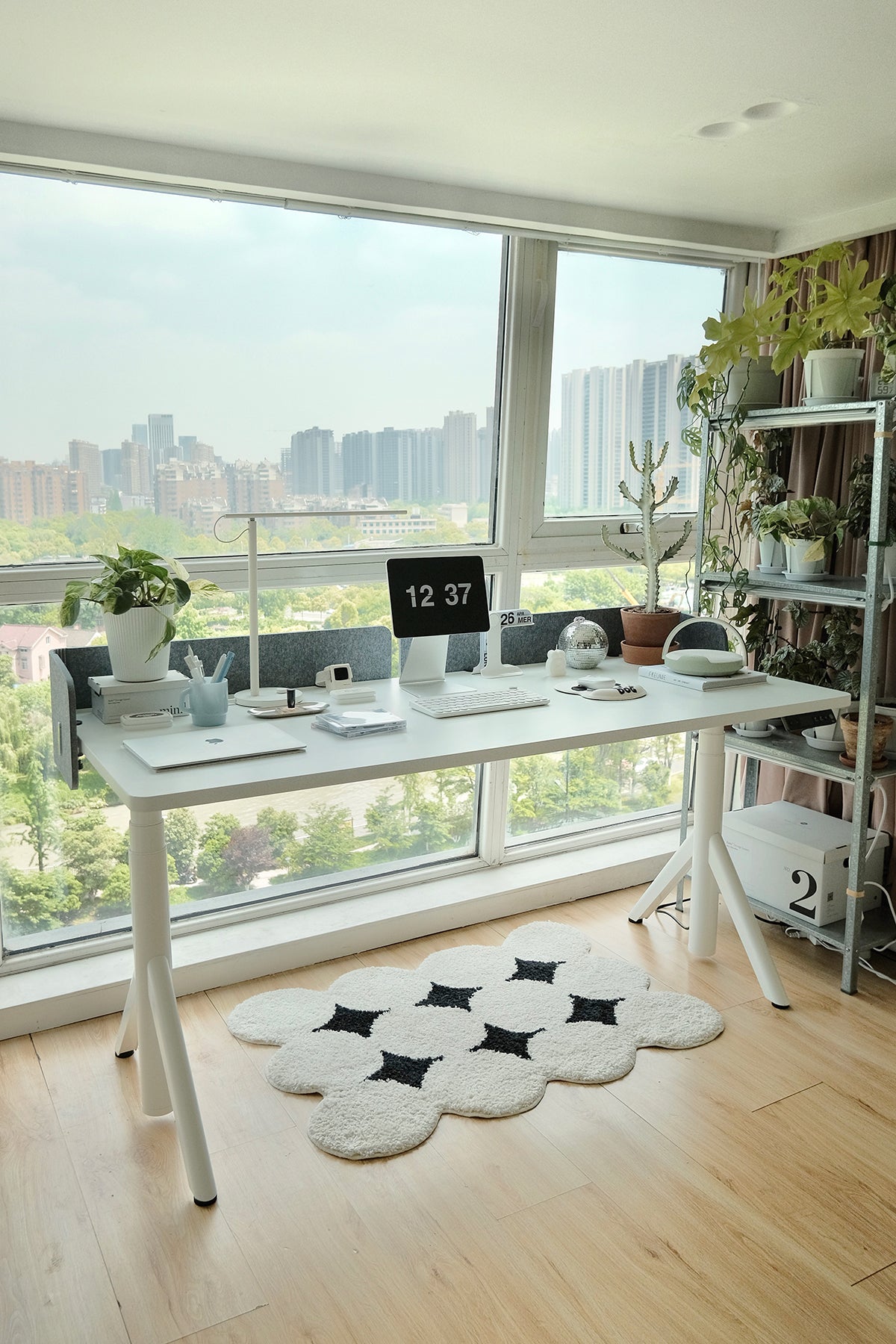
In 2026, many adjustable standing desks support both sitting and standing workflows in a single setup. Because of this flexibility, adjustable standing desks have become one of the most popular options for modern home offices.
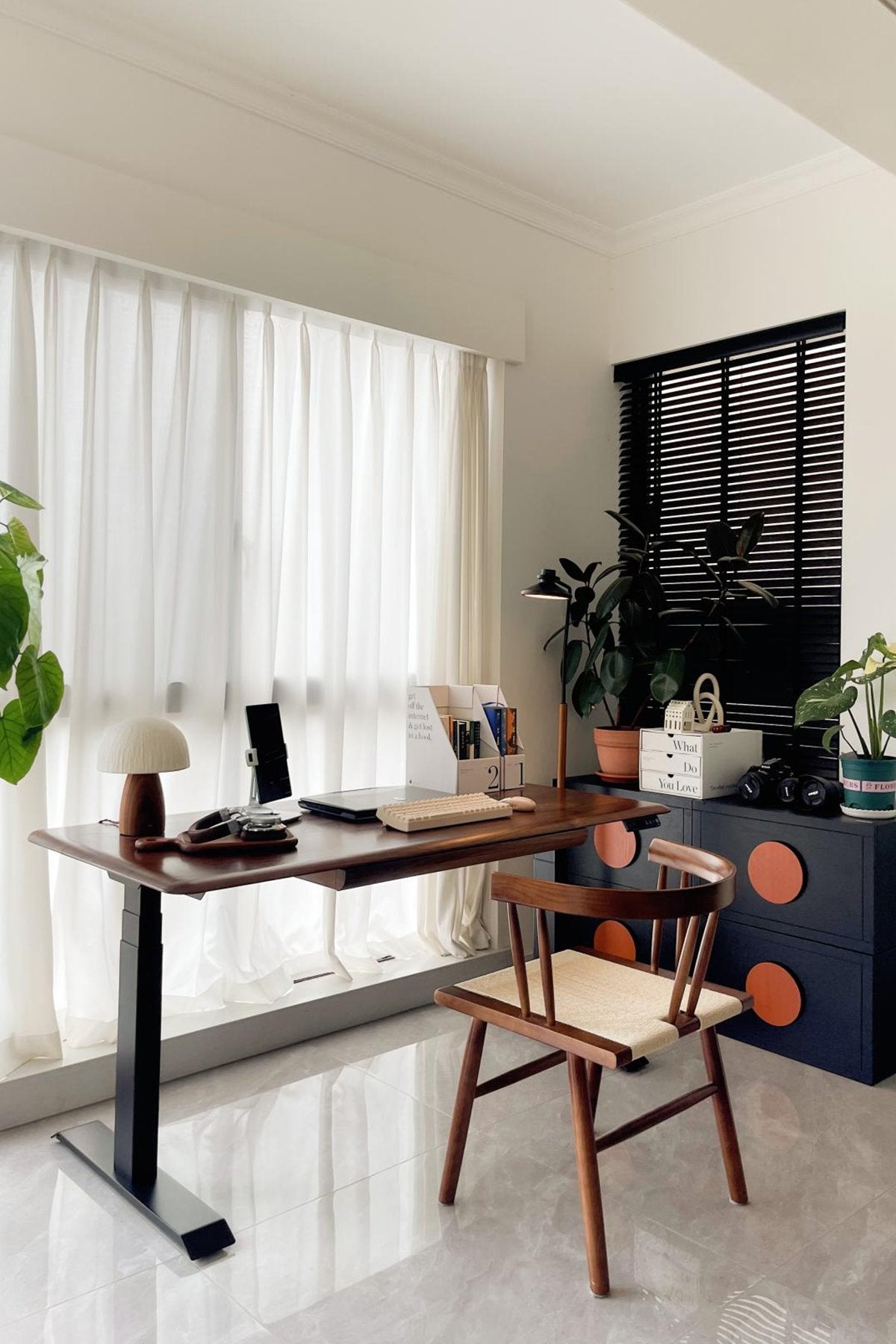
For example, some modern adjustable standing desks, such as the 9 am Pesk Dual Motors Standing Desk, use stable dual-motor lifting systems and ergonomic designs for long-term home office use.

Who Should Choose a Sitting Desk?
Common Use Cases
-
Student study setups
-
Small apartments
-
Budget-friendly home offices
-
Traditional workstation layouts
-
Do not often use a desk for studying or working
Who Is It Best For?
A sitting desk works best for users who prefer a simple and affordable workstation.
It is also a practical choice for compact spaces where adjustable desks may not fit comfortably.
Key Factors to Consider When Choosing a Home Office Desk
Choosing the right home office desk requires balancing ergonomics, workspace size, durability, and long-term value.
Ergonomics and Comfort
The ideal desk height should allow your elbows to rest at a 90-degree angle while typing. Monitor screens should stay near eye level to reduce neck strain.
If you work more than six hours daily, an adjustable standing desk can help reduce fatigue by supporting posture changes throughout the day.
Desk Type and Adjustability
Fixed sitting desks work well for basic office setups.
Adjustable standing desks offer more flexibility because users can switch between sitting and standing positions. Electric dual-motor models usually provide smoother lifting, lower noise levels, wider height adjustment ranges, and better stability than single-motor desks.
Size and Workspace Compatibility
Desk size should match your workspace dimensions and equipment needs.
-
100–120 cm desks fit small apartments and compact rooms
-
140–160 cm desks work well for dual monitors and daily office tasks
-
180 cm or larger desks suit professional setups with multiple accessories and storage needs
Always measure your available space before choosing a desk.
Material, Stability, and Durability
Solid wood desks provide a premium appearance and strong long-term durability.
Engineered wood options cost less and suit budget-conscious users. For standing desks, steel frames usually provide better stability and reduce wobbling at higher positions.
Budget and Long-Term Value
Basic sitting desks are the most affordable option for students and occasional users.
Mid-range adjustable standing desks offer stronger ergonomic support for remote workers. Premium models often include advanced lifting systems, cable management, and longer warranties.
Many users now view a standing desk as a long-term investment in comfort and productivity.
In 2026, workspace aesthetics will also play a larger role in home office design. Many modern standing desks now feature minimalist frames, natural wood finishes, and cleaner cable management systems.
Products like the 9 am Dora Pro Hardwood Smart Electric Standing Desk reflect this shift toward more design-focused home office setups.
Conclusion
The choice between a standing desk and a sitting desk is dependent upon your workspace, budget, and everyday work habits. Stationary working tables still hold low cost and are usable for basic office arrangements. But adjustable desks that let users change height give more flexibility, body posture support, and a long-term comfortable feeling.
To numerous professional personnel in the year 2026, one adjustable standing desk can provide the most excellent balance among working output, body movement, and working space efficiency.
FAQ
Is a standing desk better than sitting at a desk?
A standing desk may help reduce long periods of sitting and support better posture. Most experts recommend alternating between sitting and standing during the workday.
Does a standing desk help with shoulder pain?
A properly adjusted standing desk may help reduce shoulder and neck strain because it improves monitor positioning and posture support.
Is standing 8 hours a day better than sitting?
No. Standing all day may also cause fatigue and discomfort. A balanced mix of sitting, standing, and movement is generally considered the healthiest approach.
How long should I stand each day?
Many ergonomic experts recommend changing positions every 30 to 60 minutes instead of standing continuously for long periods.
Are adjustable standing desks worth it?
Yes. Adjustable standing desks offer better flexibility, ergonomic support, and workspace adaptability, especially for long-term remote work and home office use.

Leave a comment