



Riser Desk vs Standing Desk: Which One Is Better for Your Home Office?
With the rise of remote work across Australia, establishing a healthy, ergonomic workspace is critical. Yet, many professionals face a common setup challenge: choosing between a riser desk and a full standing desk. Selecting the ideal setup from a massive market of home and office desks involves weighing cost, functionality, available space, and biomechanics. This guide breaks down exactly what you need to know to perfect your home workspace—particularly if you're eyeing an upgrade before EOFY. Many users also question whether standing desks are worth the investment before upgrading their setup, especially when balancing cost, long-term health benefits, and daily usability.
What Is a Riser Desk?
A riser desk—often called a standing desk converter—is an adjustable unit crafted to sit directly on top of your existing table. It transforms a static seated position into a standing setup without forcing you to toss the furniture you already own.
Types of riser desk
Riser desks generally fall into two mechanical categories based on how they lift:
-
Manual: You provide the physical effort. You squeeze a tension lever and pull the desk upward, locking it into pre-set notches.
-
Gas Lift (Pneumatic): Internal gas springs assist the lift. This makes the transition smoother, quieter, and demands significantly less upper-body strength.
Pros and cons of a riser desk
Weigh these advantages and limitations before buying a converter.
Pros:
-
Cost-Effective: A desk riser costs a fraction of an entire desk frame, making it a budget-friendly entry point.
-
Convenience: You keep your current setup. This works perfectly if you operate on built-in cabinetry or refuse to part with a beautiful, heavy, solid wood desk you already own.
-
Ready to Use: Most units arrive fully assembled right out of the box.
Cons:
-
Space Consumption: They claim a massive physical footprint, eating into the flat, usable space on your desk.
-
Weight Limits: Lower weight capacities make them unsuitable for heavy, multi-monitor studio setups.
-
Aesthetics: The tiered design and exposed levers can make a room look cluttered compared to a sleek, flat surface.
What Is a Standing Desk?
A standing desk (often referred to as a sit-stand desk or an adjustable desk) is a complete, standalone workstation. Instead of an accessory sitting on top of a surface, the entire desk frame is engineered to move up and down. This offers a seamless, highly stable transition between sitting and standing postures, providing a comprehensive solution for modern home and office desks.

Types of Standing Desks
-
Manual: You rotate a physical hand crank to drive the internal spindle, raising the table. Manually winding a heavy desk twice a day gets tedious incredibly fast.
-
Electric: Integrated motorized legs drive the height adjustment via push-button controls.
When choosing a standing desk, factors such as motor quality, height range, weight capacity, and adjustment speed play a critical role in long-term usability.
Electric models bring a biomechanical consistency that manual cranks completely lack. Memory presets let you program the exact millimeter heights that align perfectly with your unique skeletal structure. Ever try guessing your perfect desk height before your morning coffee? Presets eliminate that guesswork entirely.
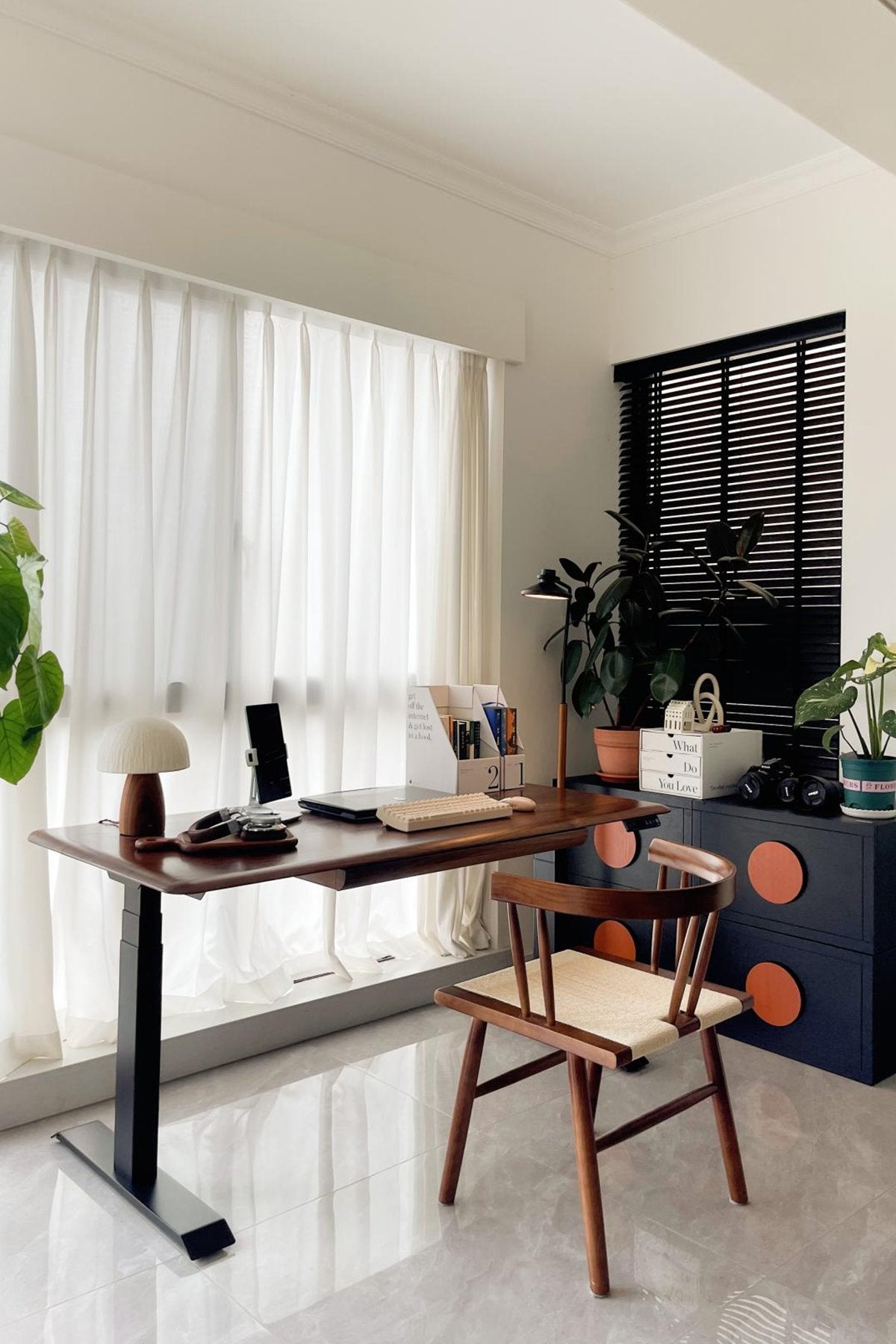
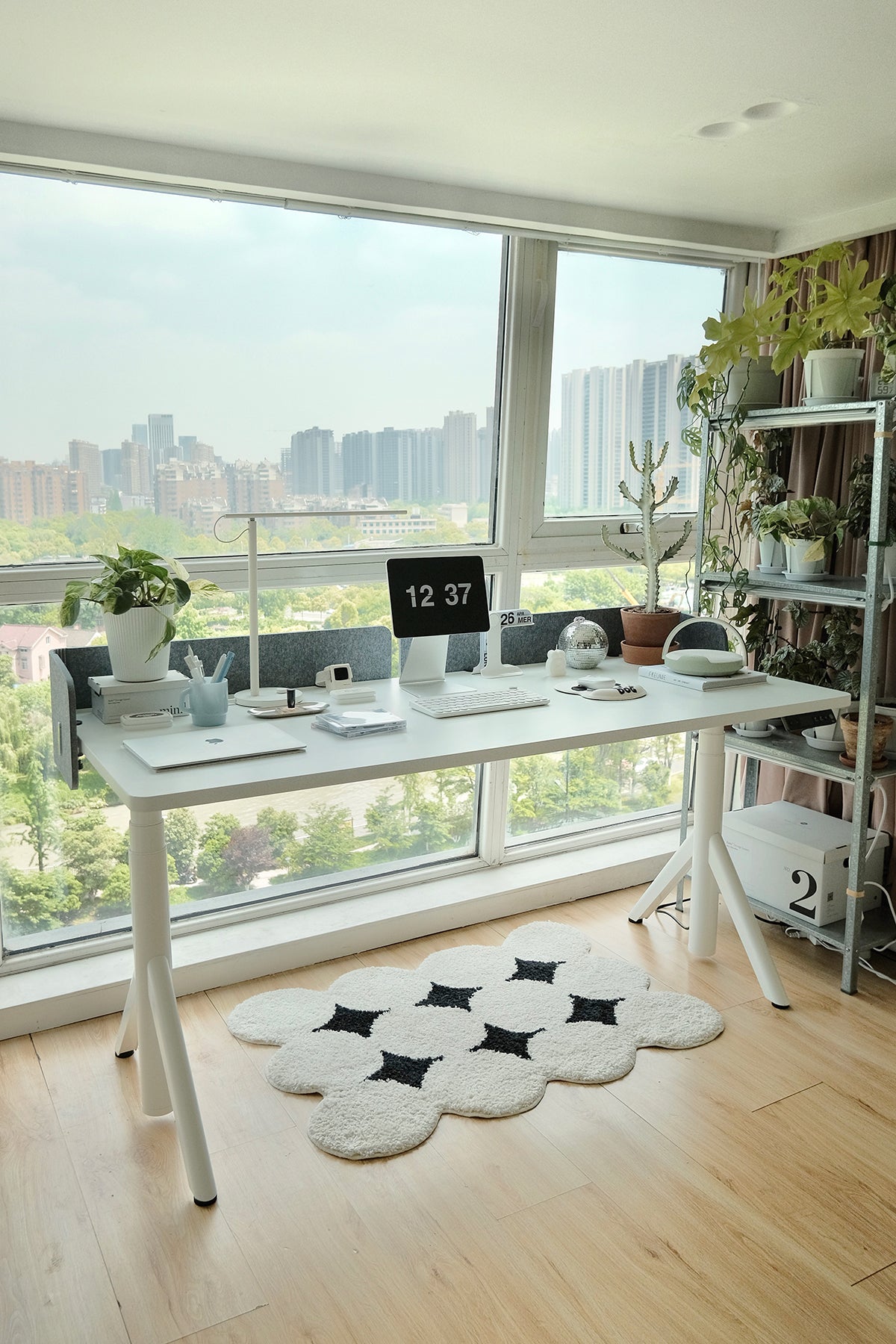
For a modern home office setup, brands like 9 am Home stand out. They build electric adjustable desks equipped with smooth height transitions and convenient memory presets. A noteworthy option is the Atom Home Office Mini Adjustable Standing Desk. It boasts a rock-solid frame and an ultra-quiet dual-motor lifting mechanism sourced from leading manufacturers, backed by a robust 10-year warranty.
Pros and cons of a standing desk
Pros:
-
Maximum Usable Space: Because the entire desktop elevates, your workspace size remains consistent whether you are sitting or standing.
-
Superior Ergonomics: High adjustability ensures the desk can be tailored perfectly to your exact height.
-
Aesthetic Appeal: Clean lines and hidden motors provide a minimalist, professional look suitable for any modern office desk or home office setup.
Cons:
-
Higher Cost: They require a larger upfront financial investment compared to converters.
-
Assembly Required: Most full-sized desks require some level of DIY assembly upon delivery, which can take time and effort.
Key Differences: Riser Desk vs Standing Desk
The core distinction lies in structural mechanics. A riser desk modifies a localized zone of your workspace. A standing desk replaces the entire environment, meaning your peripheral equipment moves in tandem with your primary monitors. This difference fundamentally alters the stability of your setup and the kinetic flow of your workday.
Use a comparison table
|
Feature |
Riser Desk (Standing Desk Converter) |
Standing Desk (Sit Stand Desk) |
|
Price |
Generally, lower upfront cost. |
Higher upfront cost. |
|
Stability |
Moderate. Can experience slight screen wobble at maximum extension. |
Exceptionally high, especially in premium dual-motor models. |
|
Ergonomics |
Good, but limited to the height range of the converter. |
Excellent, offering pinpoint accuracy for optimal posture. |
|
Workspace size |
Reduces the flat, usable space of your existing desk. |
100% of the desktop surface is usable at all times. |
|
Ease of use |
Requires manual lifting or gas-assisted pulling. |
Effortless push-button electric control. |
|
Long-term value |
Often serves as a temporary or entry-level solution. |
Highly durable, serving as a long-term investment. |
Think of a riser desk as your quick, budget-friendly starter kit. It gets you on your feet today without breaking the bank. A full standing desk definitely asks for more cash upfront, but if you are playing the long game, that solid frame easily pays for itself as a permanent, high-value investment in your daily grind.
Which One Is Better for Your Home Office?
Choosing the right equipment depends heavily on your specific circumstances, working habits, and budget constraints.
Choose a Riser Desk If:
-
You’re on a budget and need an immediate, low-cost upgrade.
-
You have limited space and cannot accommodate the footprint of a full-sized desk.
-
You want a temporary solution (e.g., you are renting or plan to move soon).
-
You’re just testing standing work for the first time and aren't ready to commit to a full desk replacement.
Choose a Standing Desk If:
-
You work from home regularly or run a full-time remote operation.
-
You care deeply about your posture, spinal health, and overall well-being.
-
You want a reliable, permanent, long-term solution.
-
You prefer a more premium, minimalist, and clutter-free workspace setup.
For most full-time remote workers, a standing desk is usually the better long-term choice. For example, a full-sized standing desk from 9 am Home is ideal for users who work from home daily and need a stable, ergonomic workspace that supports long hours of productivity. Consider the Pesk Pro Hardwood Home Office Electric Standing Desk: The enlarged, reinforced table legs and feet provide greater stability, and backed by a powerful Bosch motor, it ensures seamless and quiet adjustments even under heavy loads.

How to Use Your Desk for a More Ergonomic Workday
Simply buying an adjustable desk or desk riser is only half the battle; knowing how to use it correctly is what truly unlocks its health benefits.
Alternate Between Sitting and Standing
The human body is designed for movement. Standing all day can be just as detrimental as sitting all day. Aim for a healthy balance, such as sitting for 45 minutes and standing for 15 minutes out of every hour, to keep your muscles engaged and blood flowing.
Set the Correct Desk Height
Whether you are sitting or standing, your keyboard should be positioned so that your elbows rest at a comfortable 90-degree angle. Your forearms should be parallel to the floor, reducing strain on your wrists and shoulders.
Optimize Your Monitor and Keyboard Position
The top third of your computer screen should sit directly at your eye level. If you are using a laptop, consider a laptop stand and an external keyboard to prevent "tech neck" from looking down at a harsh angle.
Create a Comfortable Workspace Setup
When standing, use an anti-fatigue mat. This cushioned surface encourages micro-movements in your legs, promoting blood flow and reducing pressure on your lower back, knees, and heels. Ensure your chair is properly adjusted to support your lumbar spine when you return to a seated position.
Start Small and Build the Habit
If you are transitioning from a sitting desk to a standing desk routine for the first time, your legs and back will need time to adjust to the new physical demands. Start by standing for just 10 to 20 minutes at a time, gradually increasing the duration as your core strength improves over the weeks.
Conclusion
The choice between a riser desk and a standing desk ultimately depends on your unique requirements, available space, and dedication to working from home. A riser desk provides an excellent, cost-effective introduction to ergonomic workspaces. On the other hand, if you spend considerable time in your home office, an electric standing desk emerges as the better long-term option. Opting for a fully adjustable setup enhances not only your posture but also your health, concentration, and overall productivity each day.
FAQ
Does a standing desk help with sciatica?
Yes, a standing desk can help relieve sciatica symptoms. Prolonged sitting increases pressure on the lower back and sciatic nerve. Alternating between sitting and standing reduces this pressure, improves blood circulation, and supports spinal decompression.
Is a standing desk better for a herniated disc?
A standing desk may help reduce pressure on spinal discs. Standing supports the natural S-curve of the spine better than sitting. Many people with a herniated disc experience relief by reducing sitting time. However, medical advice from a doctor or physical therapist is recommended for individual conditions.
Is a riser desk the same as a standing desk?
No, a riser desk and a standing desk are different.
-
A riser desk (standing desk converter) sits on top of an existing desk and raises the workspace.
-
A standing desk is a full desk with adjustable legs that lift the entire surface, often using an electric motor.
Is a standing desk better for back pain?
Yes, a standing desk can help reduce back pain. Sitting for long periods places continuous stress on the lower spine. Switching between sitting and standing encourages movement, activates core muscles, reduces stiffness, and decreases spinal load.

Leave a comment